Remark® Suite
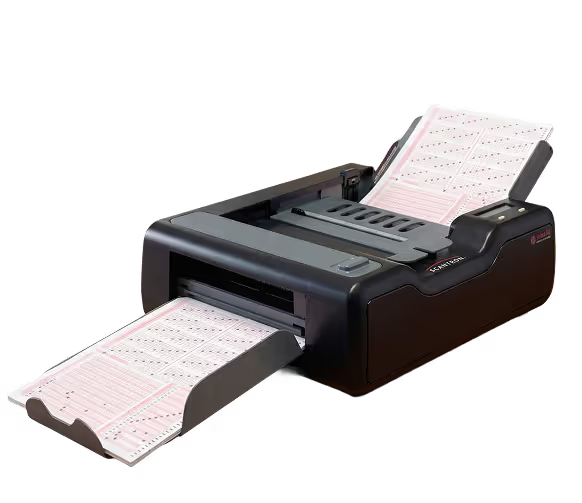
In a data-driven world, how do you capture the information you need without adding to your workload? Remark Classic OMR converts paper test and survey responses into usable data for more effective instructional and business decisions, powered by Scantron scanners and forms.
.avif)
the challenge
Grading tests and entering survey responses by hand wastes hours and introduces errors most organizations can't afford.
The Scantron Solution
Remark's robust recognition engine reads most common Scantron forms and transforms marks into usable data. Set up answer keys, grade scales, and learning objectives using the Grade Wizard, then grade tests automatically with built-in reporting and analysis.
Design
Eliminate manual data entry. Remark instantly captures responses from Scantron OMR and imaging scanners and displays them in a simple worksheet format on your screen.
Capture
Use the Grade Wizard to set up answer keys, grade scales, and learning objectives for a variety of question formats. Grade your tests automatically.
Automate
The Automation Wizard lets power users configure standard tasks (scanning, saving, reporting, exporting) so other users can execute them with a double-click, no training required.
Analyze
Built-in graphical reports cover everything from student statistics to item analysis to survey cross-tabulation. Make better instructional and business decisions, fast.
.avif)
Specification
- Reads most common Scantron OMR forms
- Supports single- and multiple-page forms
- Grade Wizard for answer keys, grade scales, and learning objectives
- Automation Wizard for task scheduling
- Built-in Remark Quick Stats® reporting module
- Export to SPSS®, Access®, Excel®, SQL Server®, dBase™, Lotus®
System Requirements
- Requires compatible Scantron OMR or imaging scanner
- Windows PC (verify with Scantron for specific OS versions)
Classic OMR Test Center
The same reliable scanning and mark recognition, optimized for high-volume, high-speed centralized test-processing centers. Designed for Scantron's production scanners.
Classic Analysis Edition
Score centrally, analyze locally. Import results from Classic OMR Workstation or the Scantron Score™ machine, then create reports and analyze student performance at the teacher's desk. Install on multiple workstations in a single school.
Classroom Edition
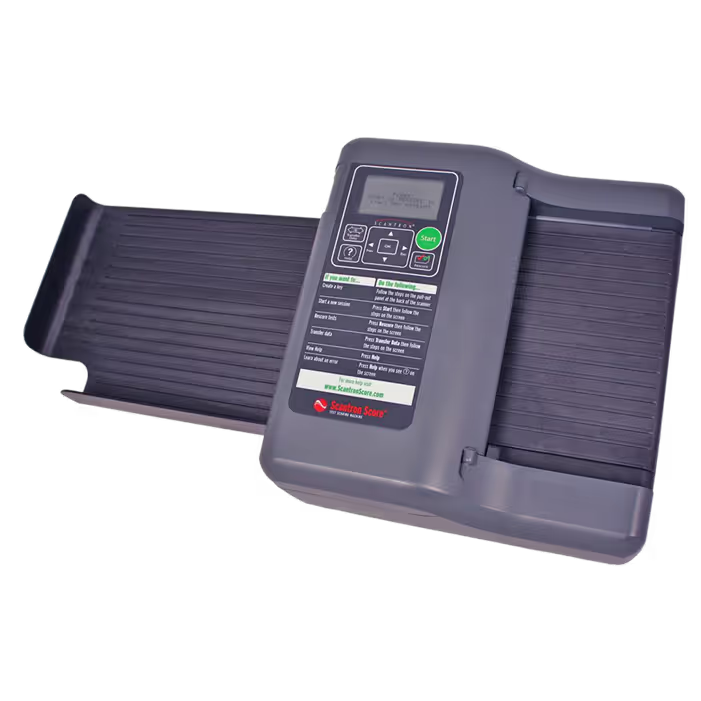
An introductory version of Remark, sold exclusively with the Scantron Score™ Test Scoring Machine. Accepts data via USB, presents five key reports, and exports to popular gradebooks. Install on up to 10 computers.

Technical Resources
Remark Classic OMR Brochure
Remark Classic OMR Reports (Corporate, Government, and International)
Remark Classroom Reports (Education sectors)
OpScan/iNSIGHT Bundle
Scantron Score Bundle
Explore our other products







Ready to eliminate manual grading?
Connect with a Scantron specialist to find the right Remark edition for your organization.